
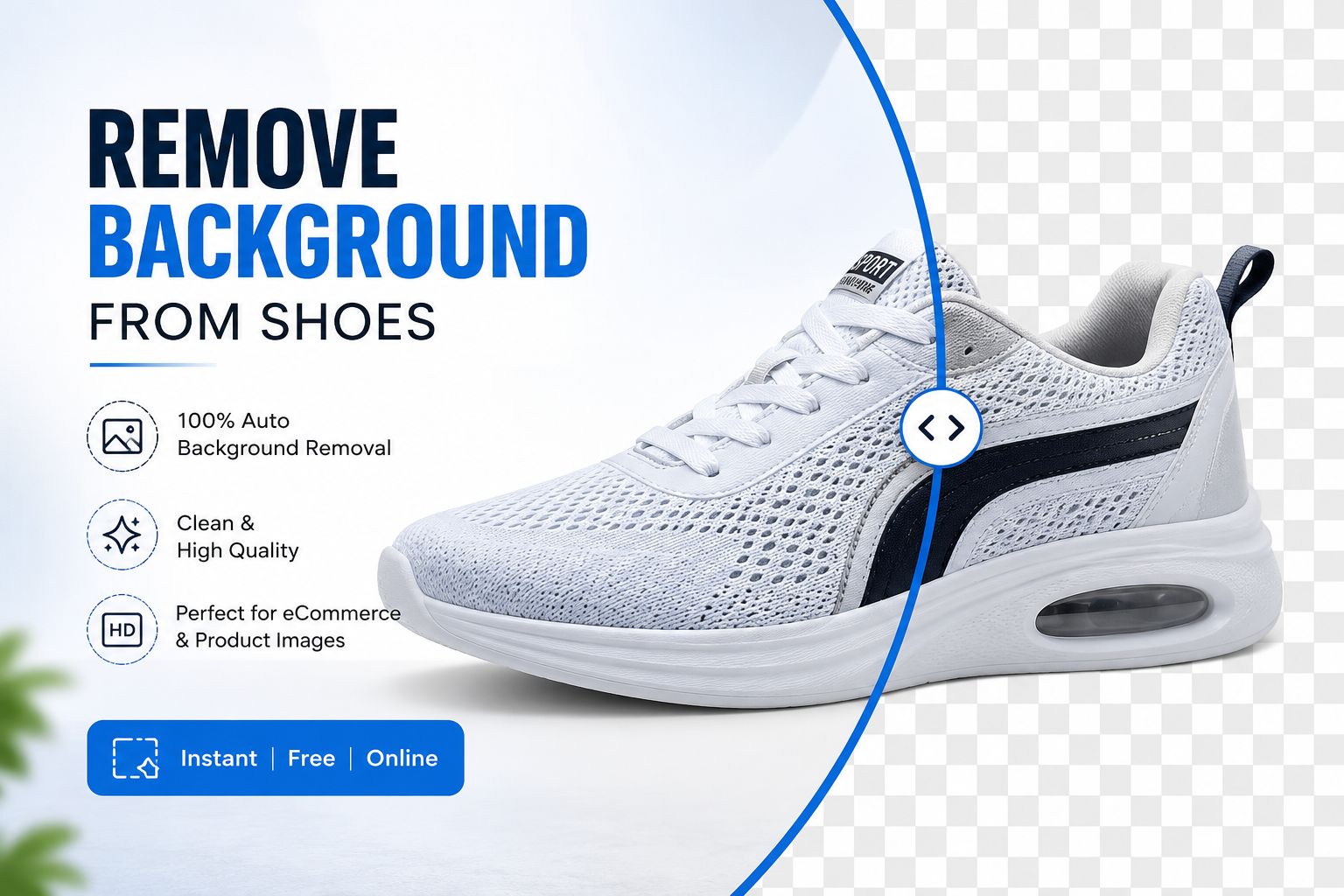
Remove Background from Shoes Online Free with AI (Fast & Professional)
Online shoppers decide whether to trust a product in about two seconds, and shoe listings live or die by that first glance. If you want to remove background from shoes and turn a phone snapshot into a polished, marketplace-ready photo, AI now does in seconds what used to take a photo studio and hours in Photoshop. This guide walks through exactly how AI background removal works for footwear, why it matters for sales, and how to get flawless results every time, using Free Background Remover AI.
Shoe photography has its own quirks: laces that curl into the frame, glossy leather that reflects clutter, mesh sneakers with tiny gaps an editor has to trace by hand. A general photo editor often misses these details. A tool built with modern AI segmentation handles them instantly, which is why so many sellers, marketers, and hobbyists are switching from manual editing to automated background removal.
Whether you're a solo reseller photographing thrifted sneakers on your kitchen table, a Shopify store owner managing hundreds of SKUs, or a marketing team producing ad creative for a footwear brand, the underlying need is the same: a fast, repeatable way to isolate the shoe from everything around it. This guide covers the full workflow, from understanding how the AI actually "sees" a shoe to choosing the right background for your specific platform or campaign.
Why Remove Background from Shoes?
A clean background isn't just a cosmetic choice — it directly affects how a product performs online.
Professional appearance. A shoe floating on a crisp white or transparent background instantly looks like it belongs on a real storefront rather than a bedroom floor.
Stronger branding. Consistent backgrounds across a whole catalog make a shop feel established and trustworthy, whether it's a five-product Etsy store or a 5,000-SKU Shopify catalog.
Marketplace compliance. Amazon, Walmart, and similar platforms require pure white backgrounds for main listing images, and non-compliant photos can get flagged or hidden from search.
Higher click-through rates. Clean, well-lit product shots outperform cluttered ones in search and category pages because they're easier to scan at a glance.
Increased customer trust. Shoppers associate a tidy, distraction-free photo with a seller who cares about quality and presentation.
Better conversions. When customers can clearly see the shoe's shape, color, and texture without background noise, they're more confident hitting "buy."
Common Problems with Shoe Photos
Most shoe photos aren't taken in a studio — they're shot on a table, a floor, or a shelf, which introduces problems that are hard to fix by hand:
Messy backgrounds — carpets, tiles, shoeboxes, or random household clutter sneaking into frame
Poor lighting — shadows that darken one side of the shoe or wash out fine detail
Cast shadows — a dark shadow beneath the shoe that a background remover has to recognize as "not part of the product"
Distracting objects — laces untied on the floor, a second shoe half in frame, price tags still attached
Busy environments — patterned surfaces like wood grain or fabric that confuse basic cutout tools
Mobile photography challenges — inconsistent angles, blur, and mixed lighting from phone cameras
These issues are exactly what modern AI segmentation was built to solve.
How AI Removes Shoe Backgrounds
AI background removal for shoes relies on a few coordinated steps, all happening automatically in the background:
Object detection. The AI first identifies where the shoe is in the frame, distinguishing it from the floor, wall, or table behind it.
AI segmentation. A trained image-segmentation model maps the exact pixel boundary of the shoe, including tricky areas like laces, mesh panels, and cutout eyelets.
Edge refinement. The model smooths and tightens the edge so there's no rough outline, halo, or leftover background fringe.
Automatic background removal. Everything outside the detected shoe shape is deleted in a single pass.
Transparent PNG generation. The final image is exported with a transparent alpha channel, ready to drop onto any background you choose.
The entire process typically finishes in a few seconds using the Remove Background Tool, no manual masking or lasso tool required.
Step-by-Step Guide
Removing a shoe's background takes just a few clicks:
Upload your shoe image. Any phone photo, product shot, or catalog image works.
Let the AI detect the shoe. The tool automatically isolates the shoe from its surroundings.
Background removed automatically. Within seconds, the surrounding clutter, shadows, and floor disappear.
Download the transparent PNG. Save the cutout for immediate use in listings, designs, or marketing.
Add a new background if desired. Swap in white, a gradient, or a lifestyle scene using the Background Generator.
Best Shoe Photos for AI Background Removal
AI segmentation performs well across nearly every footwear category, including:
Sneakers and running shoes
Boots (ankle, combat, hiking, chelsea)
Sandals and flip-flops
Heels and pumps
Loafers and flats
Kids' shoes
Sports and cleats
Luxury and designer shoes
Leather dress shoes
Because the AI is trained on complex edges like mesh, laces, and buckles, it handles both simple slip-ons and highly detailed sneakers with equal accuracy.
Transparent Shoe PNG Images
A transparent PNG is more flexible than a white-background image because it can sit on top of anything. Sellers and designers use transparent shoe cutouts for:
Website hero sections and banners
Graphic design mockups and flyers
Marketing emails and promotional graphics
Social media posts and story templates
Print and digital catalogs
Ad creative for platforms like Meta and Google
Because there's no fixed background baked in, the same transparent shoe file can be reused across dozens of different designs.
Add Custom Backgrounds to Shoes
Once the background is removed, you're not limited to plain white. Popular custom backgrounds for shoe photography include:
Wooden floor or studio flooring
Minimalist studio backdrop
Luxury showroom or boutique setting
Lifestyle scenes (street, café, urban wall)
Gym or fitness environment
Running track or outdoor trail
Natural settings like grass or stone
Soft gradients
Fashion editorial-style displays
The Background Generator can create these scenes automatically, letting you match a shoe's style — athletic, casual, or luxury — to a fitting backdrop without a photoshoot.
Choosing Between White, Transparent, and Custom Backgrounds
Not every shoe photo needs the same treatment, and picking the right output depends on where the image will be used:
Choose a white background when the image is going directly into a marketplace listing like Amazon, Walmart, or eBay, where platform rules typically require it for the primary photo.
Choose a transparent PNG when the image will be reused across multiple projects — website banners, ad creative, email graphics — since transparency lets you drop the shoe onto any backdrop later without re-editing.
Choose a custom background when the goal is brand storytelling rather than pure catalog function, such as a lifestyle image for Instagram or a showroom-style shot for a luxury landing page.
A practical workflow many sellers use is to generate one transparent master file per shoe, then export white-background and custom-background versions from that same master as needed. This keeps the editing work to a single step while still producing every format a catalog requires.
Shoe Background Removal for eCommerce
Clean product photography is one of the highest-leverage improvements a seller can make, and it applies across every major platform:
Shopify — consistent white or branded backgrounds across collection pages
WooCommerce — faster page loads with optimized, clean PNG or JPG exports
Amazon — compliance with strict main-image background rules
Etsy — polished, professional presentation that stands out in handmade or resale categories
eBay — improved buyer trust on both new and used listings
Daraz — consistent catalog imagery for regional marketplaces
Sellers who standardize their product photography with clean backgrounds consistently see stronger engagement, since shoppers can compare products side-by-side without visual noise pulling focus away from the item itself.
Shoe Background Removal for Social Media
Background removal isn't just for storefronts — it's just as useful for content and advertising:
Instagram — clean product posts and story highlights
Facebook — catalog ads and marketplace listings
Pinterest — pin-ready product graphics that stand out in a busy feed
TikTok — overlay-ready shoe cutouts for product videos
YouTube thumbnails — eye-catching cutouts that pop against bold thumbnail backgrounds
Promotions and ads — reusable shoe assets for sales banners and seasonal campaigns
A transparent shoe PNG becomes a reusable asset across every one of these channels, saving hours of repeat editing.
Tips for Best Shoe Photos
To get the cleanest possible AI cutout, start with a decent source photo:
Use good, even lighting to avoid harsh shadows
Shoot against a plain, uncluttered background
Capture the image in high resolution
Center the shoe fully in the frame
Minimize shadows directly beneath the shoe
Keep the shoe itself clean and free of dust or lint
Photograph from a straight-on or slight angle rather than an extreme perspective
Starting with a clear source photo helps the AI produce a tighter, more accurate cutout on the first try.
Common Mistakes
Avoid these pitfalls when preparing shoe photos for background removal:
Shooting against busy, patterned backgrounds
Uploading low-resolution or heavily compressed images
Working in dim or uneven lighting
Submitting blurry or out-of-focus shots
Cropping part of the shoe out of frame
Saving in the wrong file format for the intended use (JPG when transparency is needed, for example)
Frequently Asked Questions
How can I remove background from shoes online? Upload your shoe photo to an AI tool like Free Background Remover AI, and the background is automatically detected and removed within seconds.
Can AI remove shoe backgrounds accurately? Yes. Modern AI segmentation is trained to handle detailed shapes like laces, mesh, and buckles, producing clean, precise cutouts.
Is the shoe background remover tool free? Yes, the core background removal tool is free to use for standard shoe photo editing.
Can I create a transparent PNG of my shoes? Yes, the AI exports images with a transparent alpha channel, ready for use in designs, listings, or marketing materials.
Can I create a white background for my shoe photos? Yes, after removing the original background you can apply a pure white background suitable for Amazon, Walmart, and eBay listings.
Does it work well on sneakers with mesh and laces? Yes, the segmentation model is specifically trained to handle complex textures like mesh panels, laces, and eyelets.
Can I edit multiple shoe images at once? Most workflows support uploading and processing several images in sequence for faster batch editing.
Can I use this for Amazon product photos? Yes, it's commonly used to meet Amazon's requirement for a pure white main listing image.
Can I use this for Shopify product photos? Yes, it works well for creating consistent product galleries and collection page images on Shopify.
Will the image quality stay the same after background removal? Yes, the tool preserves the resolution and detail of the shoe itself while only removing the surrounding background.
Can I replace the background instead of leaving it transparent? Yes, you can swap in a white background, a custom scene, or a generated backdrop using the Background Generator.
Do I need Photoshop to remove shoe backgrounds? No, the entire process is handled by AI without any design software or editing skill required.
Can I remove shoe backgrounds on mobile? Yes, the tool works in a browser on both desktop and mobile devices.
Is registration required to use the tool? Basic background removal is typically available without creating an account.
Can I use the edited images commercially? Yes, images you upload and edit can be used for your own product listings, marketing, and commercial purposes.
Conclusion
AI has turned shoe background removal from a tedious editing chore into a task that takes seconds, not hours. Whether you're prepping a single pair of sneakers for a Shopify drop or batch-processing an entire boot catalog for Amazon, a clean, professional background makes your product look more credible and sell more effectively. Skip the Photoshop learning curve and try Free Background Remover AI to remove background from shoes instantly — then explore the Image Upscaler and Watermark Remover to finish polishing your product photos, or browse the blog for more eCommerce photography guides.
Share this guide with your team